¶ Students: How to get access to CH501 wiki content
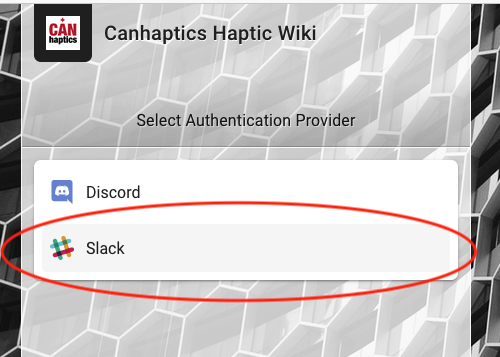
The private region of the CanHap501 course wiki is authenticated through the CanHap Slack server. To get access, follow the following steps.
-
Watch for an email from a course instructor with a link to access the CanHap Slack server. If you have not received this, please contact your supervisor.
-
Logon at least once to the CanHap Slack Server to establish your profile there (we recommend downloading the Slack App to your desktop or mobile device).
-
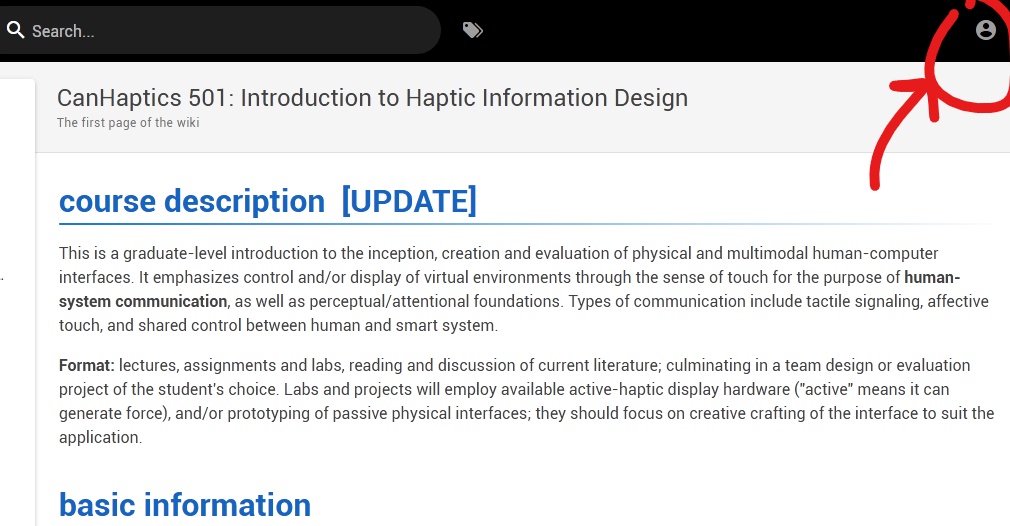
From any page on the CanHap wiki (where this note is posted), click on the circular profile button in the top right corner.
- When requested for an authentication provider, click the Slack button. This will redirect you to Slack Authentification. You will be granted access to the wiki upon login.